CS2 Animgraph 2 Beta Guide: Boost FPS & Smooth Gameplay
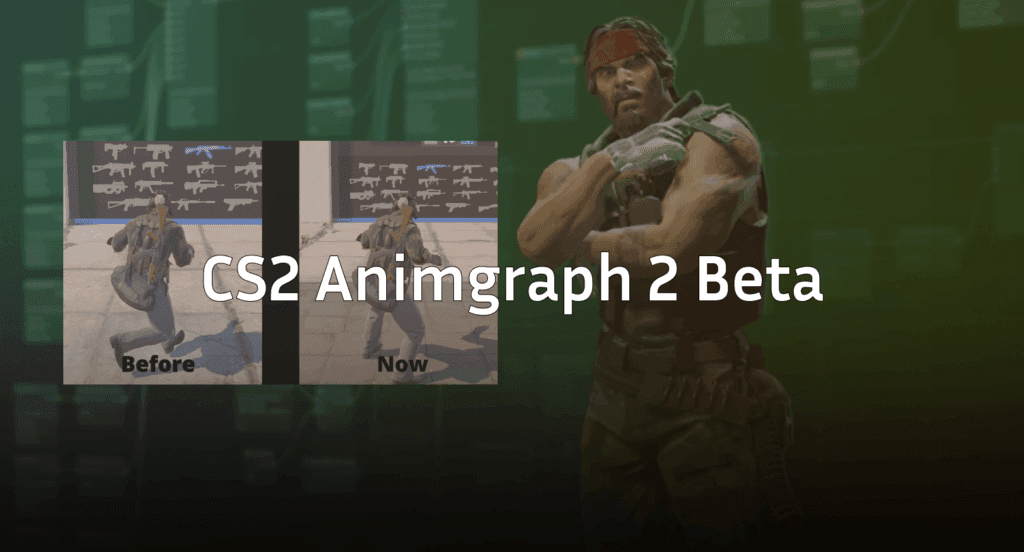
Valve just dropped a massive technical update for Counter-Strike 2: the Animgraph 2 Beta. While “animation system” might sound like it’s just about how your character waves their hands, this is actually one of the most important performance updates since CS2 launched.
If you’ve been feeling like the game is “clunky,” experiencing weird frame drops during gunfights, or struggling with peeker’s advantage, this update is for you.
What is Animgraph 2?
Animgraph 2 is the latest version of Source 2’s animation system. It moves away from the old, “scripted” method where the server and client had to manually stay in sync using timers. Instead, it uses token-based syncing.
In gamer terms: The server no longer has to guess what your character is doing. It sees a “token” (a piece of data) and instantly knows exactly which frame of an animation you are in. This leads to:
- Lower CPU Usage: Your processor doesn’t have to work as hard to calculate every limb movement.
- Reduced Networking Costs: Less data is sent back and forth between you and the server.
- Better Sub-tick Precision: Hitboxes now align much more accurately with the character models you actually see on screen.
Key Changes in the Beta
This isn’t just a “behind the scenes” fix. You will actually see and feel the difference in-game.
| Feature | Change Description | Impact |
| Third-Person Animations | Every animation has been re-authored from scratch. | Movement looks smoother and more readable. |
| Crouch Transitions | Transitions while jumping or landing are now “smoothed.” | No more janky, teleporting character models. |
| Slope Logic | Refactored how player height is calculated on ramps. | Consistent height regardless of which way you approach. |
| Performance | Significant gains in 1% and 0.1% lows. | Fewer “micro-stutters” during intense gunfights. |
Warning: Because the logic for sloped surfaces has changed, your precise nades and lineups on ramps (like Mirage A-site or Nuke) might be slightly off. You’ll need to jump into a practice server to double-check them.
Performance Boost: Does it actually help?
Early benchmarks from the community are looking incredible. Players on mid-tier hardware are reporting FPS gains of up to 8%, but the real winner is the frame consistency.
If you’ve noticed your game feels laggy even when your FPS counter says “300,” it’s usually because of your input lag or low 1% frame times. Animgraph 2 stabilizes these lows, making the game feel buttery smooth even when smoke grenades and mollies are popping off.
How to Join the Animgraph 2 Beta
Want to test it out yourself? It’s an opt-in beta, so you won’t get it by default.
- Open your Steam Library.
- Right-click on Counter-Strike 2 and select Properties.
- Go to the Betas tab.
- In the “Beta Participation” dropdown, select animgraph_2_beta.
- Steam will download a small update, and you’re good to go!
Note: You cannot play on official Valve servers while in the beta. You’ll need to stick to workshop maps or private servers.
What’s Next?
Valve is clearly listening to player feedback regarding peeker’s advantage. By making animations deterministic and faster to sync, they are closing the gap between “what you see” and “what the server sees.”
If you’re looking to optimize your game further while waiting for this to hit the live branch, check out the best CS2 video settings or see what the pros are using with our Niko CS2 settings guide.