

KSCERATO CS2 Settings – Crosshair, Video & Config 2026
 Henry
HenryKaike “KSCERATO” Cerato is one of the most consistent riflers in professional Counter-Strike, known for his exceptional aim and clutch performances. If you want to copy KSCERATO CS2 settings to improve your gameplay, this guide covers his complete setup—from mouse sensitivity to video configuration.
KSCERATO’s settings prioritize precision and visibility, making them excellent for players who rely on crisp aim and fast target acquisition.
KSCERATO Mouse Settings
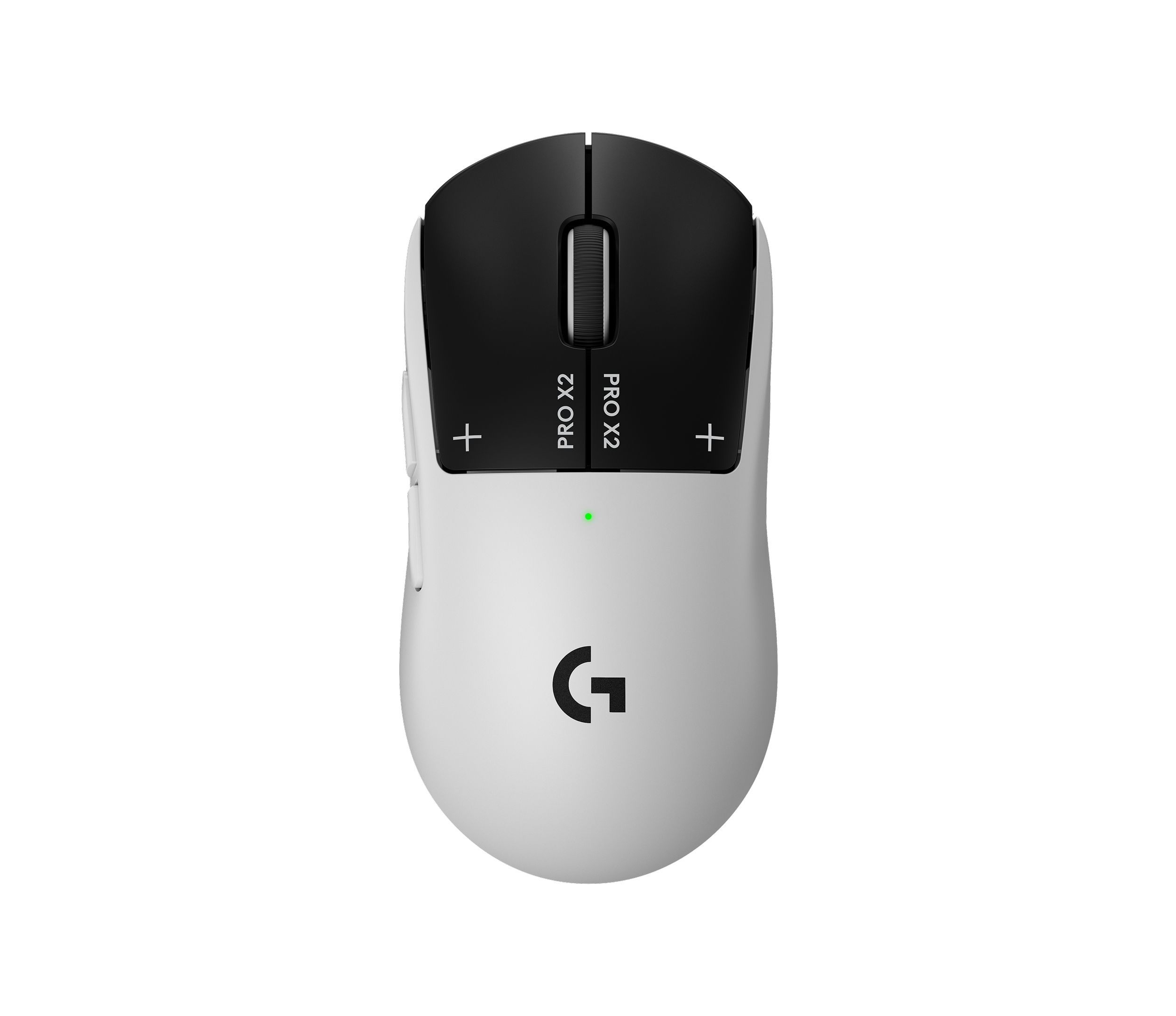
KSCERATO uses a moderate sensitivity that balances precision with the ability to make quick flicks. His setup is optimized for the AK-47 spray control he’s famous for.
| Setting | Value |
|---|---|
| DPI | 800 |
| In-Game Sensitivity | 1.1 |
| eDPI | 880 |
| Zoom Sensitivity | 1.0 |
| Hz (Polling Rate) | 1000 |
| Windows Sensitivity | 6 |
| Raw Input | On |
| Mouse Acceleration | Off |
His eDPI of 880 sits in the medium-low range for professional players. This allows for precise micro-adjustments while still enabling comfortable 180-degree turns.
Pro tip: If you’re switching from a higher sensitivity, lower it gradually over several days rather than all at once.
KSCERATO Crosshair Settings

KSCERATO uses a compact, static crosshair that provides clear visibility without obscuring enemies at range.
| Setting | Value |
|---|---|
| Style | 4 (Classic Static) |
| Color | Green (1) |
| Size | 2 |
| Thickness | 0 |
| Gap | -3 |
| Outline | No |
| Dot | No |
| T-Style | No |
Crosshair Code
Copy and paste this code into your console:
CSGO-sYMxP-G5NVU-hwDAu-dQZ7R-CfxuPOr use these individual commands:
cl_crosshair_drawoutline 0cl_crosshair_dynamic_maxdist_splitratio 0.35
cl_crosshair_dynamic_splitalpha_innermod 1
cl_crosshair_dynamic_splitalpha_outermod 0.5
cl_crosshair_dynamic_splitdist 7
cl_crosshair_outlinethickness 1
cl_crosshair_sniper_width 1
cl_crosshair_t 0
cl_crosshairalpha 255
cl_crosshaircolor 1
cl_crosshairdot 0
cl_crosshairgap -3
cl_crosshairsize 2
cl_crosshairstyle 4
cl_crosshairthickness 0
cl_crosshairusealpha 1
The negative gap value creates a tight crosshair ideal for headshot-level placement.
KSCERATO Video Settings

KSCERATO prioritizes frame rate and visibility over visual fidelity. His video settings ensure maximum FPS while maintaining competitive clarity, similar to approaches used by other pros like those detailed in our s1mple settings guide.
| Setting | Value |
|---|---|
| Resolution | 1280×960 |
| Aspect Ratio | 4:3 |
| Scaling Mode | Stretched |
| Display Mode | Fullscreen |
Advanced Video Settings
| Setting | Value |
|---|---|
| Boost Player Contrast | Enabled |
| V-Sync | Disabled |
| NVIDIA Reflex Low Latency | Enabled |
| Multisampling Anti-Aliasing | 4x MSAA |
| Global Shadow Quality | Medium |
| Model/Texture Detail | Low |
| Texture Filtering Mode | Bilinear |
| Shader Detail | Low |
| Particle Detail | Low |
| Ambient Occlusion | Disabled |
| High Dynamic Range | Performance |
| FidelityFX Super Resolution | Disabled |
The 4:3 stretched resolution makes player models appear wider, potentially making targets easier to track. Many Brazilian pros favor this setup.
For more optimization tips, check out our CS2 video settings guide.
KSCERATO Viewmodel Settings
His viewmodel keeps the weapon compact and out of the way:
viewmodel_fov 68viewmodel_offset_x 2.5
viewmodel_offset_y 0
viewmodel_offset_z -1.5
viewmodel_presetpos 3
cl_righthand 1
KSCERATO Radar Settings
A properly configured radar provides crucial information during rounds. KSCERATO uses settings that show the entire map while keeping icons readable.
| Setting | Value |
|---|---|
| Radar Centers The Player | Yes |
| Radar Rotates | Yes |
| Radar HUD Size | 1.0 |
| Radar Map Zoom | 0.4 |
For a deeper dive into radar optimization, see our CS2 radar settings guide.
KSCERATO Keybinds
KSCERATO uses fairly standard keybinds with a few optimizations:
| Action | Key |
|---|---|
| Jump | Space / Mouse Wheel Down |
| Crouch | Ctrl |
| Walk | Shift |
| Primary Weapon | 1 |
| Secondary Weapon | 2 |
| Knife | 3 |
| Cycle Grenades | 4 |
| HE Grenade | C |
| Flashbang | F |
| Smoke | Q |
| Molotov | X |
Jump throw bind:
alias "+jumpthrow" "+jump;-attack"alias "-jumpthrow" "-jump"
bind "v" "+jumpthrow"
KSCERATO PC Specs
Professional performance requires capable hardware:
| Component | Specification |
|---|---|
| CPU | Intel Core i9-13900K |
| GPU | NVIDIA GeForce RTX 4090 |
| RAM | 32GB DDR5 |
| Monitor | 360Hz |
| Mouse | Logitech G Pro X Superlight |
| Mousepad | Logitech G640 |
| Keyboard | Logitech G Pro X |
| Headset | Logitech G Pro X |
Why Copy Pro Settings?
KSCERATO’s configuration is refined through thousands of hours of professional play. His settings optimize for:
- Consistent aim through stable sensitivity
- Maximum visibility with stretched resolution and boosted contrast
- High frame rates via low graphics settings
- Clean crosshair placement with a minimal, precise crosshair
However, settings are personal. Use KSCERATO’s config as a starting point, then adjust based on your hardware and preferences. Compare with other pro setups like NiKo’s CS2 settings to find what works best for you.
Final Thoughts
KSCERATO’s CS2 settings reflect a focus on precision and performance that’s made him one of the most reliable players in professional Counter-Strike. His moderate sensitivity, stretched resolution, and clean crosshair create a setup optimized for consistent fragging.
Copy these settings, spend time in deathmatch adjusting to them, and fine-tune as needed. Once your config is dialed in, upgrade your loadout with premium CS2 skins to match your improved gameplay.


